Puzzle maker
Continue your puzzle —
Or try one of these
Occasion (optional)
Play keeps the photo on this device. Send encrypts it first — even we can't see it. Links last 30 days.
Order it as a real jigsaw puzzle (delivered in the US)
The puzzle prints the part shown here: your crop, trimmed to the puzzle's shape. Move or zoom the crop above to change it.
Your order code:
Next, pay and add your delivery address on Gumroad, and paste the code into the Order code box at checkout. The size you chose here is already selected. The puzzle is printed in the US and usually arrives within two weeks.
Pay and add delivery on GumroadThe print file is the only thing uploaded. It is kept for 30 days so the puzzle can be printed, then deleted; we see it only to place your order. See the refund policy.
Encrypting…
Preparing your link
Drag pieces together — they click when they fit. Pinch or scroll to zoom.
Make a Jigsaw Puzzle From Your Photo
Turn a photo into a jigsaw: add it, pick 12 to 300 pieces and play it right here — or send it to someone with a message that appears when they finish. Playing never uploads anything.
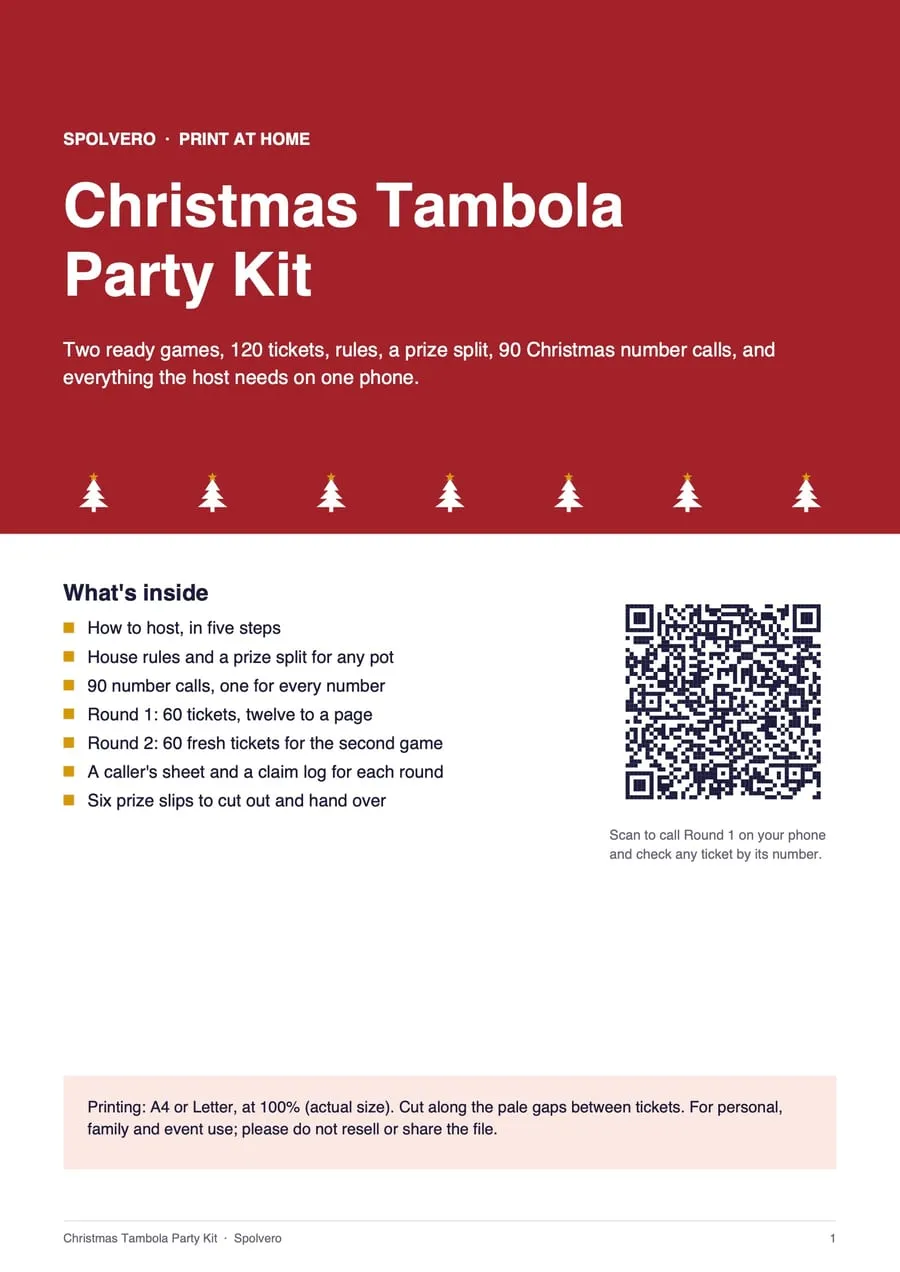
Diwali Tambola Party Kit
Hosting a game night? Made with our free Bingo and Tambola tools, this pack is already done: print it, cut it, play.
- Two ready games of 60 tickets, twelve to a page
- 90 number calls to read out, one for every number
- House rules and a prize split for any pot
- A caller's sheet and a claim log for each round
- Six prize slips to cut out and hand over
- A QR code that opens the caller for these exact tickets
$4.99
One payment · instant download · A4 and US Letter PDFs
Secure checkout by Gumroad, without leaving this page. Buying a pack is what keeps the free tools free.Every detail of this pack
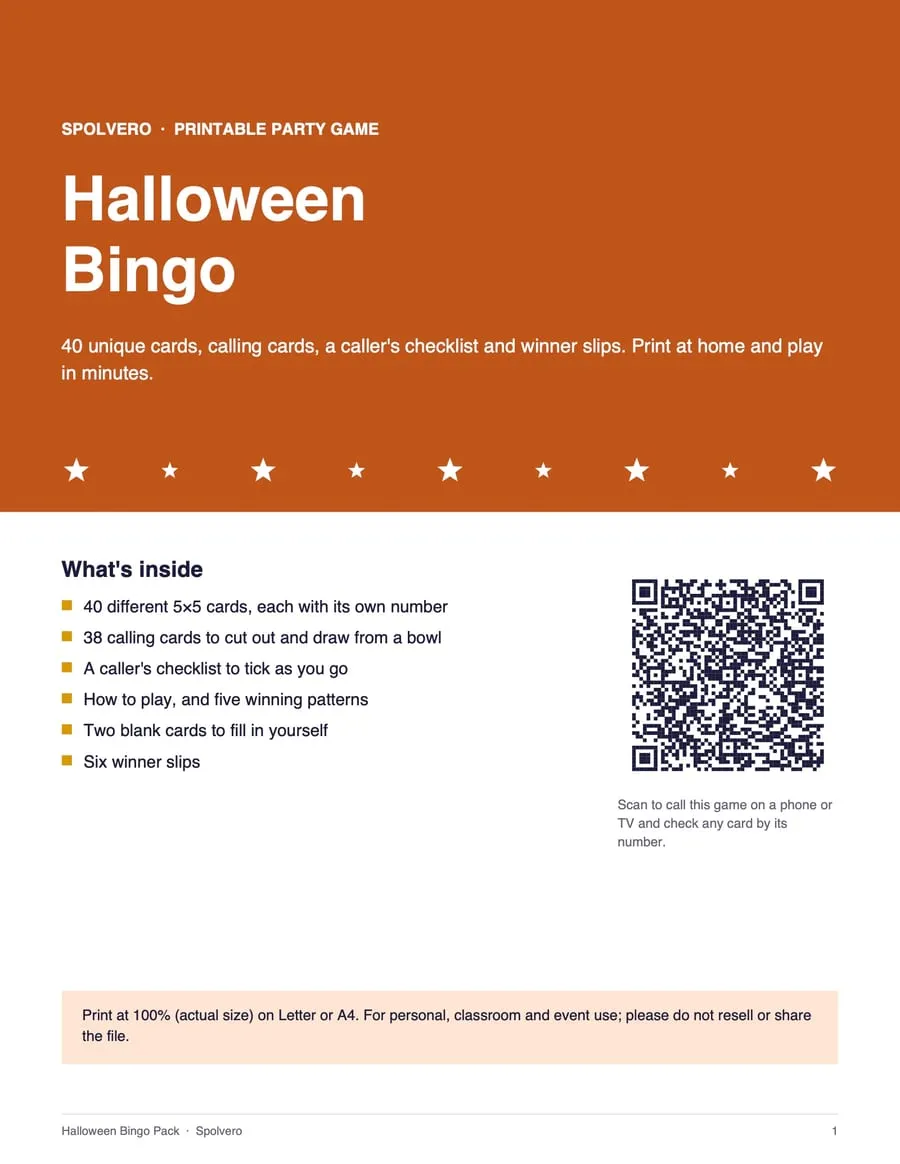
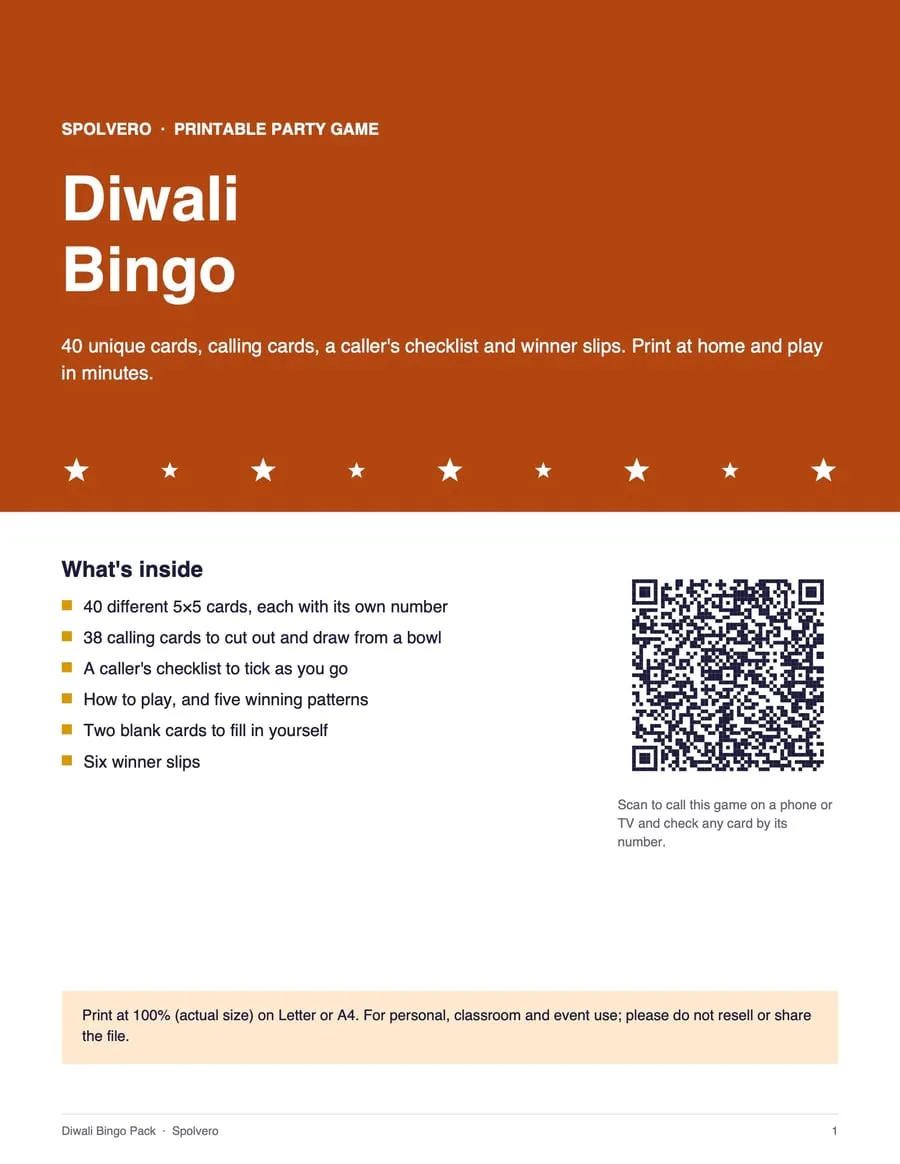
The short answer
To make a jigsaw puzzle from a photo, add the photo, crop it, choose how many pieces (12–300) and press Play. To send it as a gift, add a message and press Send: the photo is encrypted in your browser, and only someone with the full link can open it.
Three steps, about a minute
Step 1: Add a photo
Drop a photo on the box or choose one from your device. It is read in your browser, not uploaded.
Step 2: Crop and choose pieces
Frame the picture, then pick from 12 to 300 pieces. The cut is different every time.
Step 3: Play or send
Play it here — your progress saves on this device — or send an encrypted link with a message that appears at the last piece.
A puzzle is a better way to say it
The picture is the surprise, and your message appears when the last piece goes in.
Birthday
“Happy birthday! 🎂 Love you lots.”
Suggested: 48 pieces
Birthday puzzle ideas →Pregnancy reveal
“We're having a baby! 👶”
Suggested: 36 pieces
Pregnancy reveal puzzle ideas →Anniversary
“Happy anniversary. Here's to many more. ❤️”
Suggested: 100 pieces
Proposal
“Will you marry me? 💍”
Suggested: 36 pieces
Grandparents
“Thinking of you. Love from all of us!”
Suggested: 24 pieces
Pick by who's solving it
For a gift someone finishes in one sitting, 36–100 pieces works best. Times are a rough guide — busy pictures take longer than simple ones.
| Pieces | Good for | Rough time |
|---|---|---|
| 12–24 | Children 4–7, or a quick reveal | 2–5 minutes |
| 36–48 | Most gift puzzles | 5–15 minutes |
| 70–100 | Adults, a relaxed coffee break | 15–40 minutes |
| 150–300 | Jigsaw fans | 40 minutes to a couple of hours |
Even we can't see your photo
When you play, the photo is cut into pieces by your own browser and never uploaded. When you send it, your browser encrypts the photo and message with a new random key before anything leaves your device. The key is written into the link after the # — the part of a web address that browsers keep to themselves and never send to a server. We store a file we cannot open, and delete it after 30 days.
- Playing uploads nothing
- Shared photos are encrypted with AES-256 in your browser
- The key lives only in the link, never on our server
- Encrypted copies are deleted after 30 days
- No ads on the puzzle board or the reveal
- Your photos are never shown in any gallery
Questions people ask
Anything we've missed?
Is my photo uploaded?
Not when you play. The photo is read and cut into pieces inside your browser, and saved progress stays on your device. It is only uploaded if you press Send — and then it is encrypted first.
How does the private share link work?
Your browser encrypts the photo and message with a random key (AES-256-GCM). We store the encrypted file; the key is put in the part of the link after the #, which browsers never send to a server. Without the full link, the file is unreadable — including to us. Links expire after 30 days.
How many pieces should I choose?
The piece count sets the difficulty. For a gift someone will finish in one go, 36 to 100 pieces. For young children, 12 to 24. For a proper challenge, 150 to 300 — best on a laptop or tablet, or zoom in on a phone.
Do I need an account?
No. There is no account and no sign-up, to make a puzzle, to play one or to send one. Whoever opens your link needs no account either.
Does it work on a phone?
Yes. Drag pieces with a finger, pinch to zoom and drag the empty table to move around. Big pieces and the edge filter make it easier on small screens.
Will I lose my progress if I close the tab?
No. Every move is saved on this device, and the page offers to continue where you left off. Clearing your browser data removes it.
Can I print it as a real puzzle?
Not yet. A printable cut template is planned; for now the puzzle is played on screen.
Guides worth reading
- Jigsaw
How many jigsaw pieces? A guide by age, time and screen
48 pieces take most adults 5 to 15 minutes on screen; 1,000 take several evenings. The right piece count by age, plus a free photo jigsaw maker.
5 min read - Jigsaw
How to solve a jigsaw puzzle faster: 9 methods that work
Edges first is only the start. Sorting by colour and by shape, building islands, and what to do with a sky that is all one blue — on the table and on a screen.
6 min read

