How to host virtual bingo on Zoom or Teams, with a card on every phone

The short answer
To host bingo on Zoom or Teams, make the game in a bingo generator, paste the player link into the meeting chat so each person gets their own card on their phone, and share the caller tab so everyone sees and hears each call. Call every 8 to 12 seconds to allow for video delay. When someone shouts bingo, type their card number into the caller to check the win on screen.
Bingo is one of the easiest games to run on a video call, because it needs almost nothing from the players. They listen, they mark, they shout. The hard part used to be the cards: posting them, emailing PDFs, trusting people to mark honestly. With a card on each phone and wins checked by number, most of that goes away.
What you need
- A laptop for the host, on the video call.
- A phone for each player, or a second browser tab if they have no phone.
- The virtual bingo page. It is free, with no accounts for you or the players.
Before the call
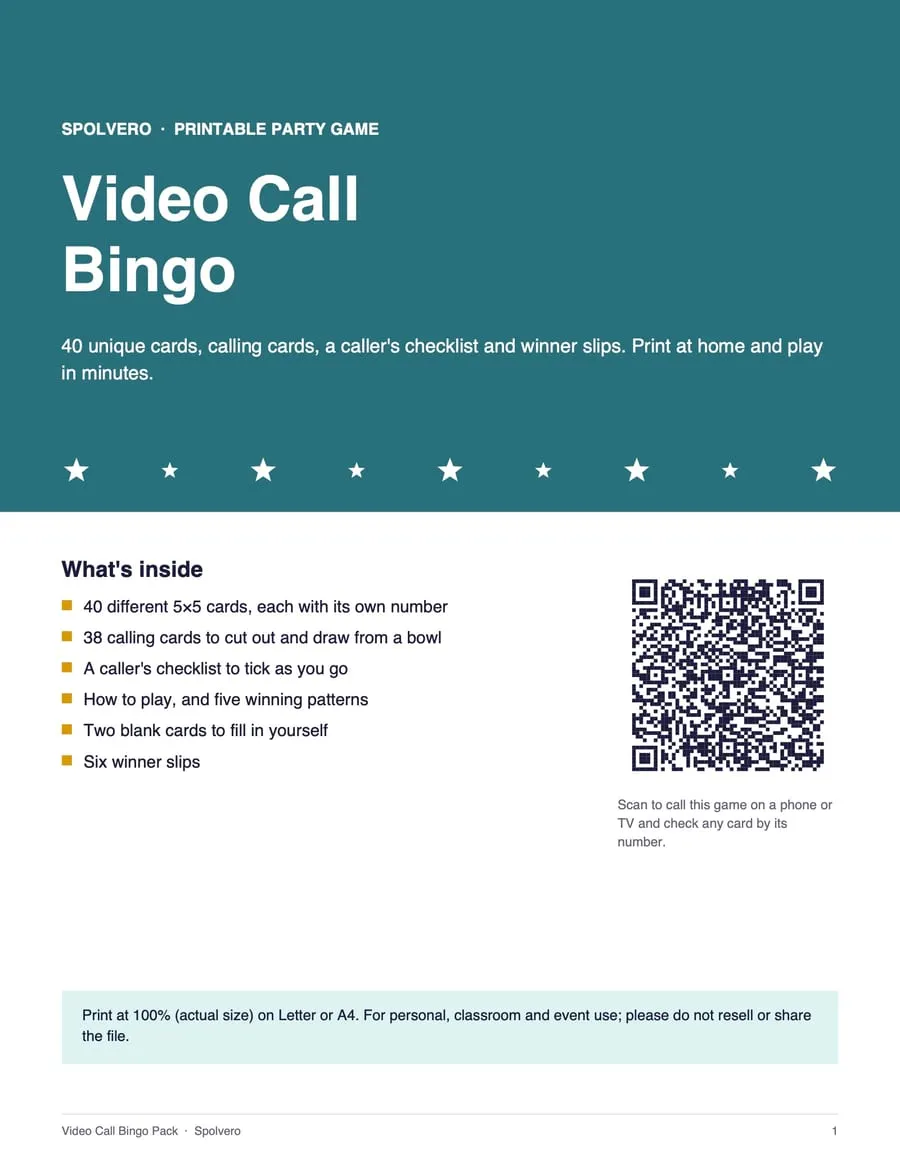
Choose the game. Word bingo works well for a team social: the video call pack has squares like “You’re on mute” and “Can you see my screen?”, which turns the call itself into the game. For a quiz night or an older crowd, classic numbers work well. You can also type your own words, one per line. For a 5×5 card you need at least 24, and 36 to 40 keeps the cards different from each other.
Decide the prizes. First line, four corners, and blackout is a good set. Say them at the start so nobody argues later.
Open the caller in its own tab. You will share that tab, not your whole screen.
Starting the game
- Send the player link. Copy it from the page and paste it into the meeting chat. Each person who opens it gets a different card on their phone, and the phone shows its card number.
- Share the caller tab. In Zoom, Teams or Meet, share the browser tab rather than the whole screen. That keeps your notifications and other windows private, and in most apps it also shares the tab’s sound.
- Call. The caller draws at random, shows each call large, and reads it aloud with your browser’s voice. Players tap the square on their phone to mark it.
The player link keeps the game after the # mark in the address. Browsers never send that part to a server, so nothing about the game or the players is uploaded.
Pace the calls for video
In a room, a caller can go every four or five seconds. On a video call, allow 8 to 12 seconds a call. Video adds a second or two of delay, some players will be on weaker connections, and everyone needs time to find the square and tap it.
If people ask for repeats, slow down. If they start chatting between calls, you can speed up a little.
Checking a win
When someone calls bingo, pause the calls and ask for their card number. Type it into Check a card on the caller. It rebuilds that player’s card from the game, marks what has been called, and names any line, four corners or blackout it has completed. Everyone watching the shared tab sees the result.
You never need to see the player’s phone. It is still nice to ask the winner to hold it up to the camera, because it makes the moment for everyone else.
Each phone picks a card number between 1000 and 9999, so two players getting the same card is unlikely but possible in a big game. If two people read out the same number, the second can tap New card.
Keep it moving
- Play one short game first. A first-line game takes a few minutes and shows everyone how the cards work.
- Mix the prizes. After the first line, play on for four corners or a blackout, so players who missed out stay interested.
- Change the theme between games. Numbers, then a word pack, keeps a long session fresh.
- Keep your camera on. The host is the entertainment. A voice on a black tile is less fun.
Playing in the same room too
The same game can be printed. The bingo card generator makes unique cards as a PDF, one, two or four to a page, with a call sheet on the last page. Every printed card carries its own number, so the same check works.
For classroom ideas, see ten ways to use bingo in class. For the Indian 90-ball game, how to organise a Tambola evening covers tickets, prizes and calling.
- Bingo
- Party games